Event emitters
Event emitters serve as a way to react to things happening in Digital Enterprise Suite. There are different type of events that users might be interested in handling.
A complete list of events and event emitter can be found in asynchronous events section.
Create new event emitter
To create event emitter, click on Add emitter button and follow the guided wizard.
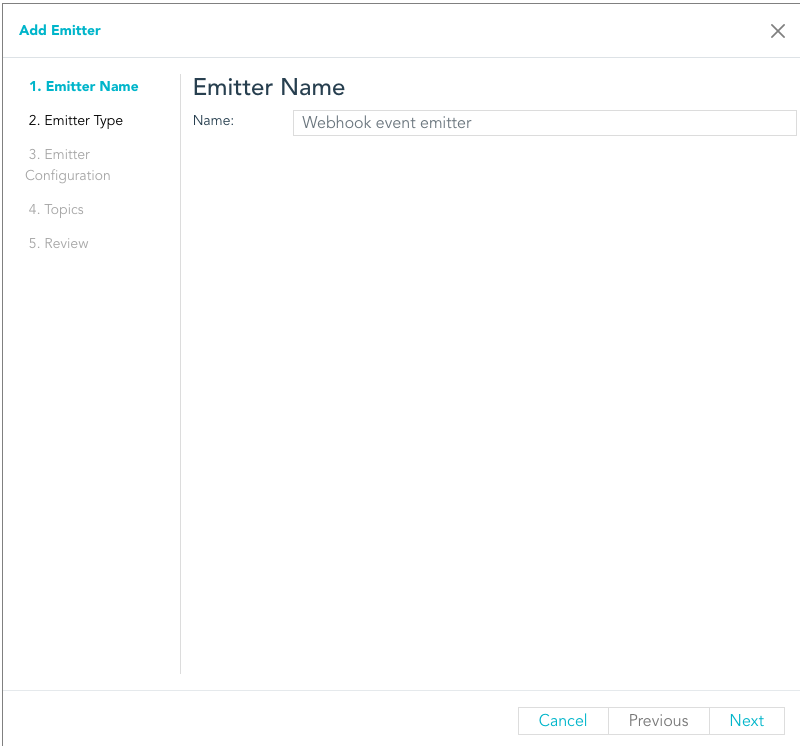
Event emitter definitions
Already created event emitters are listed in a table
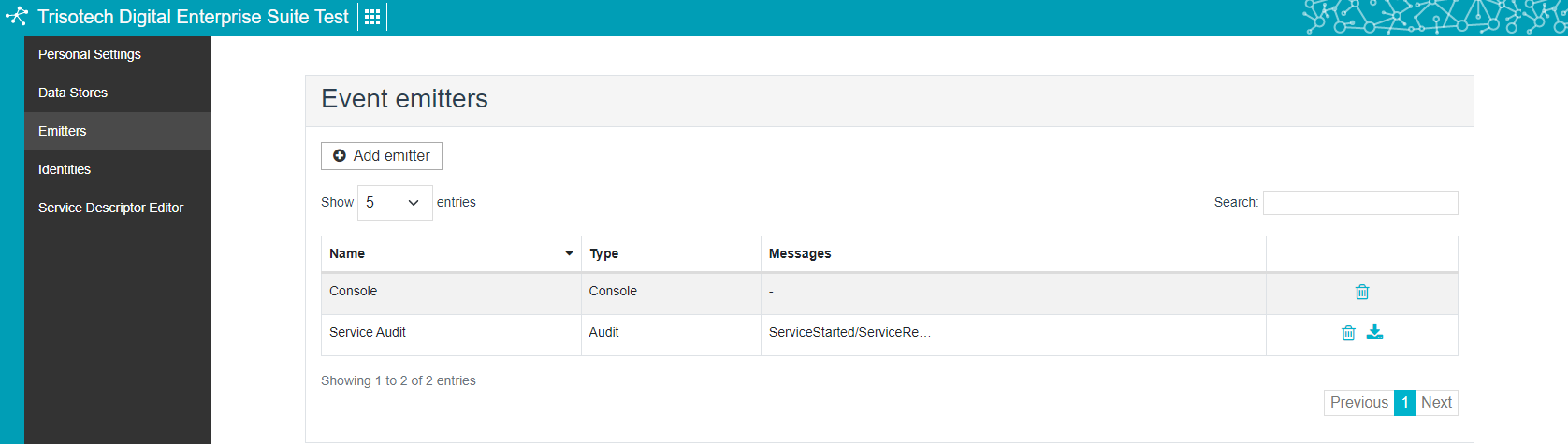
Clicking on each row opens an editor that allow to alter configuration of the emitter. In addition, event emitter can be permanently deleted.
Also, audit event emitter logs can be downloaded from a specified start date (included) to a specified end date (excluded).
Share event emitter
Event emitter can be shared with group to allow members of that group to have access to it.
Access to emitters
The owner of the emitter (user who created it) has write access to it. Can edit, disable/enable and delete the emitter.
Members of the group that emitter was shared with have read only access to the emitter.
Administrators have write access to the emitters of all users, thus can modify, disable and delete emitters.